There is no AI
filmmaking pipeline.
Every other tool gives you a model. None of them give you the production around it.
Without a bible, a shot list, an approval flow, a synced delivery — you're back in browser tabs and Discord screenshots.
Cuelist is the missing pipeline.
Start with
the story.
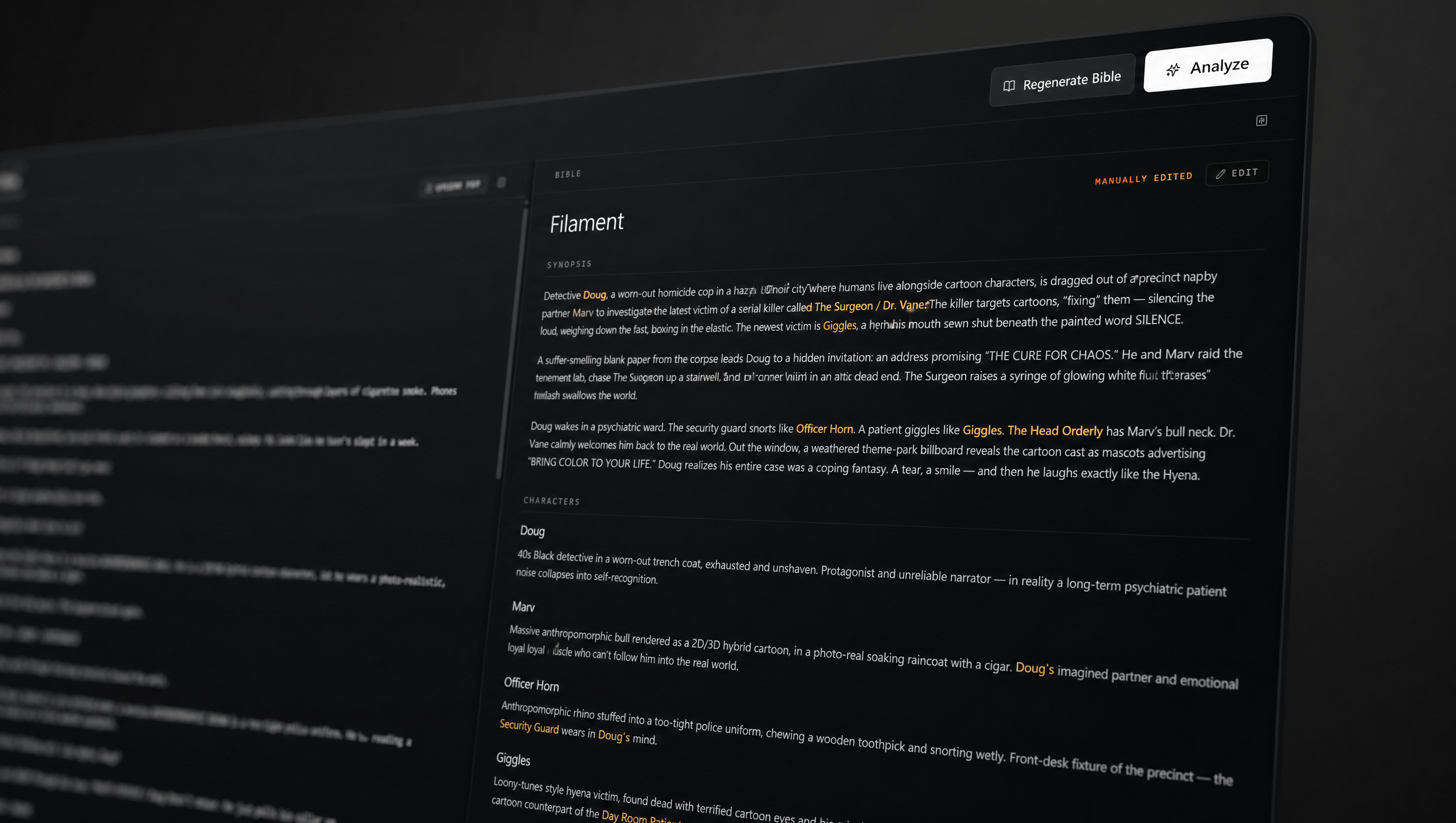
Every project begins with a Bible — synopsis, characters, environments, references. AI-generated, human-edited, version-tracked.
The source of truth your whole team works from.
Generate
with control.
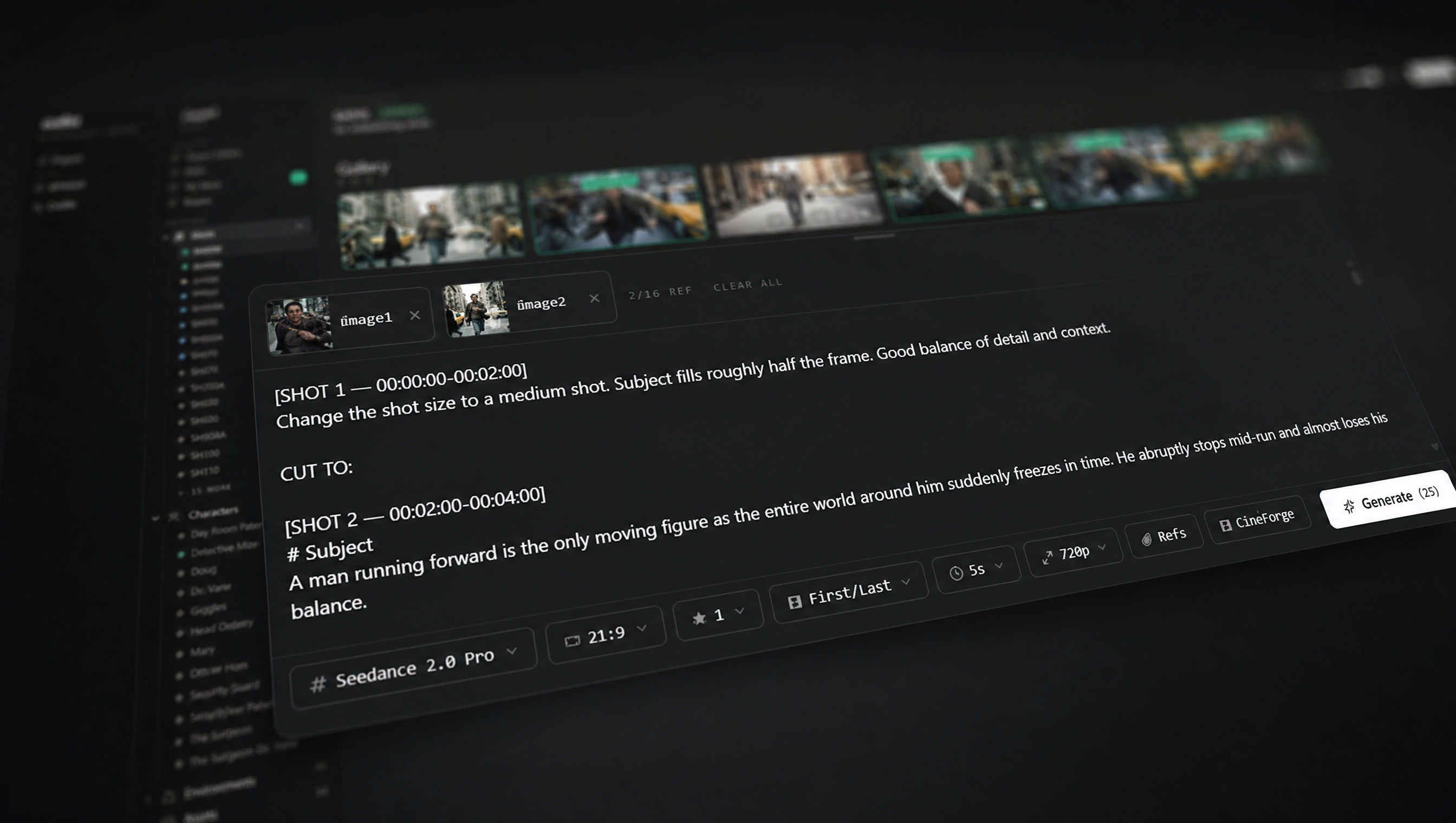
Pick your model. Attach your refs. Type your prompt.
Cuelist routes the request to the right provider, deducts the right credits, and files the result against the right shot.
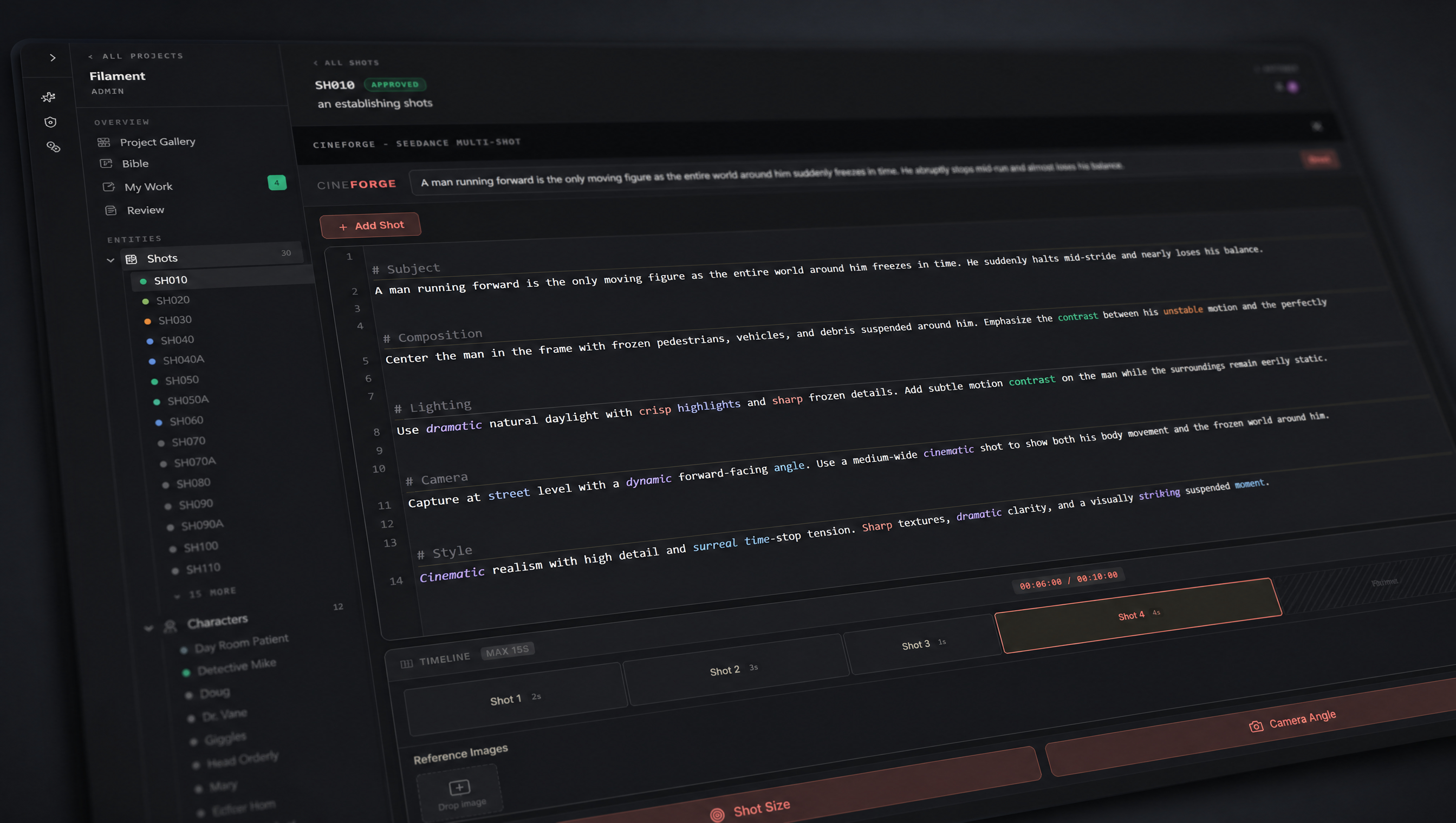
Build a
multi-shot timeline.
CineForge generates a continuous sequence in one prompt — marked up with camera, composition, lighting, pacing.
Each beat is its own shot. Iterate the parts that aren't working without re-rolling the whole sequence.
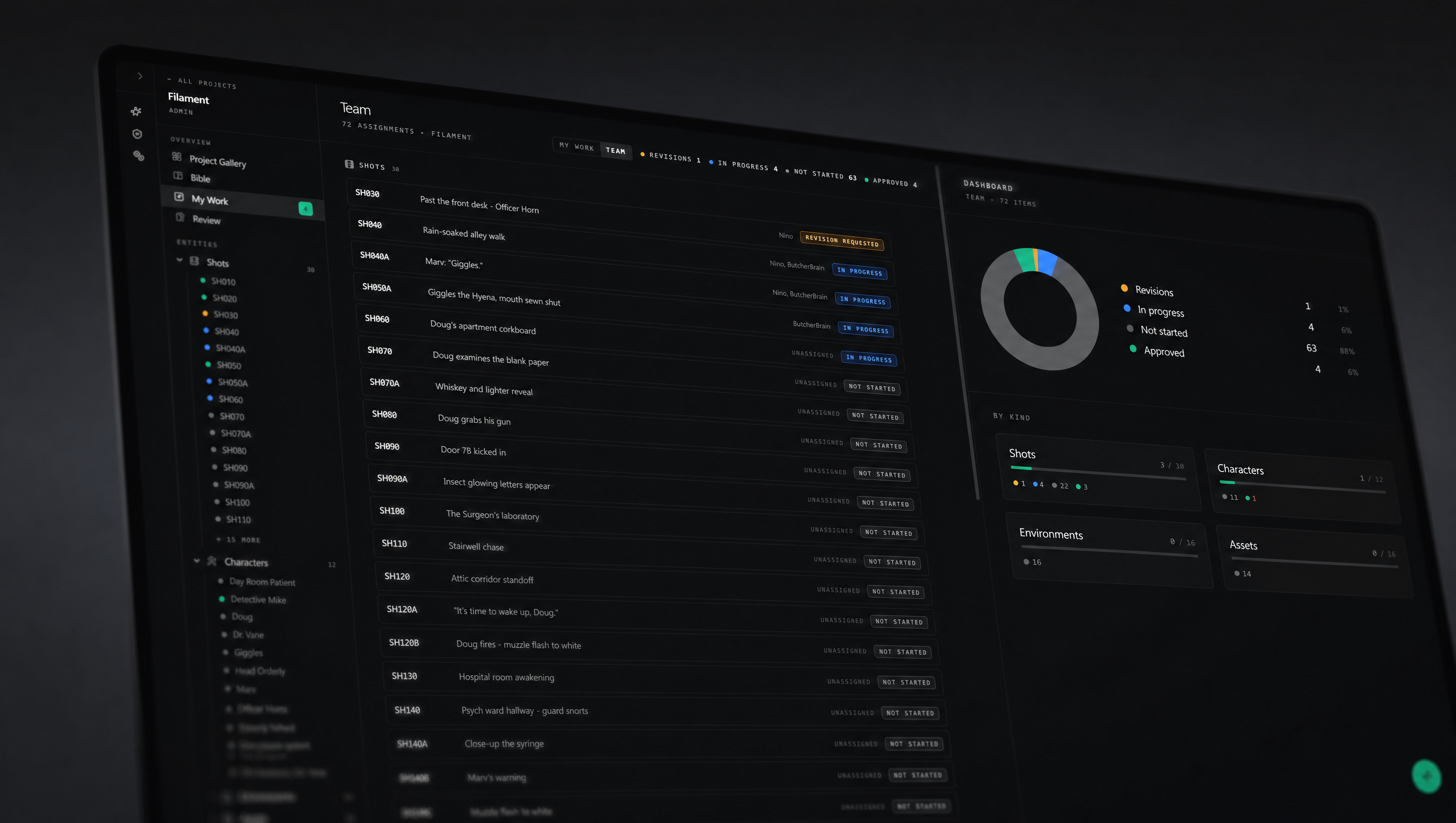
See the whole production
at a glance.
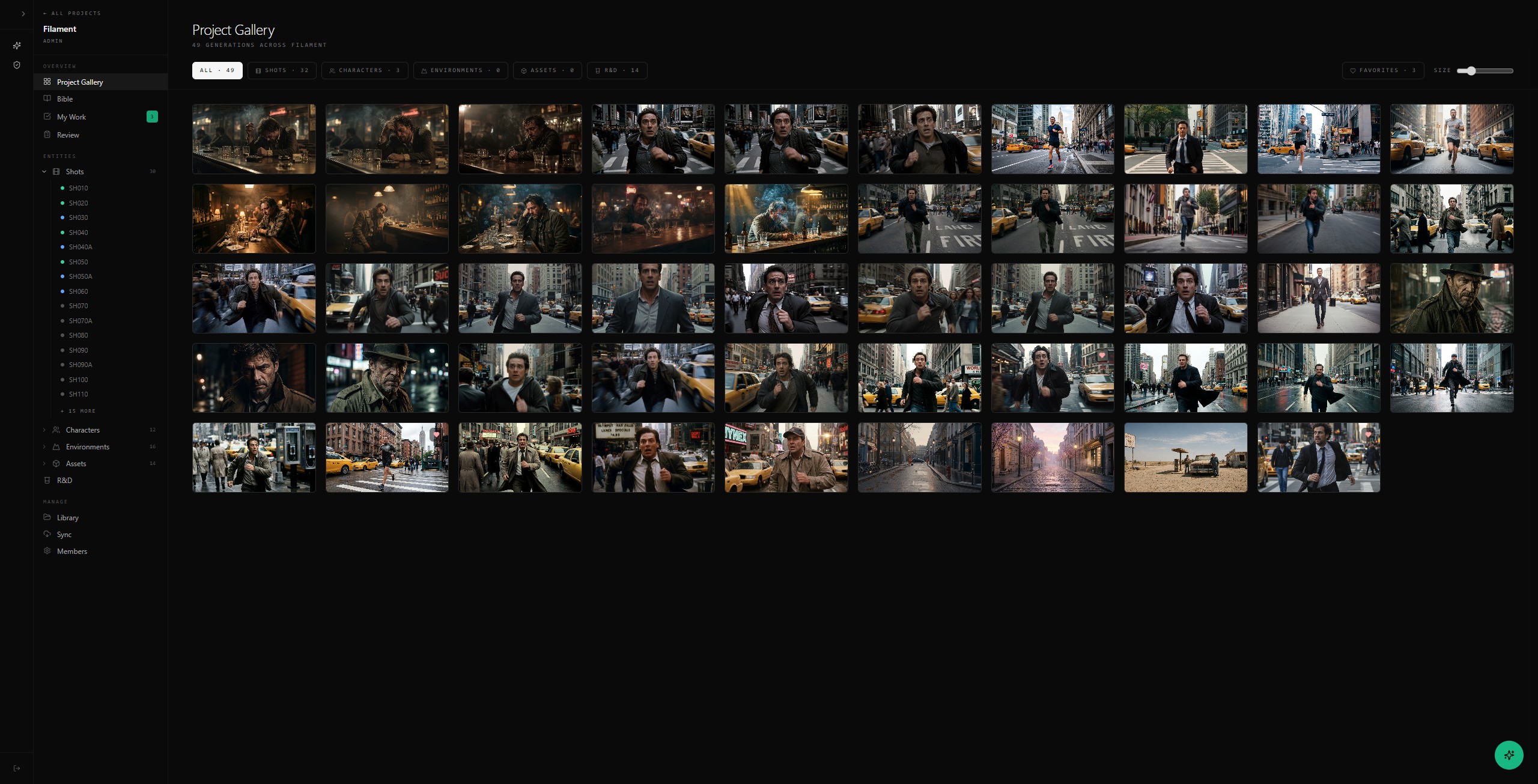
My Work shows you what's yours. Team shows you everyone else's. Revisions, in-progress shots, approvals — colored, sortable, real-time.
The director sees bottlenecks. The artist sees their queue. Nobody asks "where are we?" anymore.
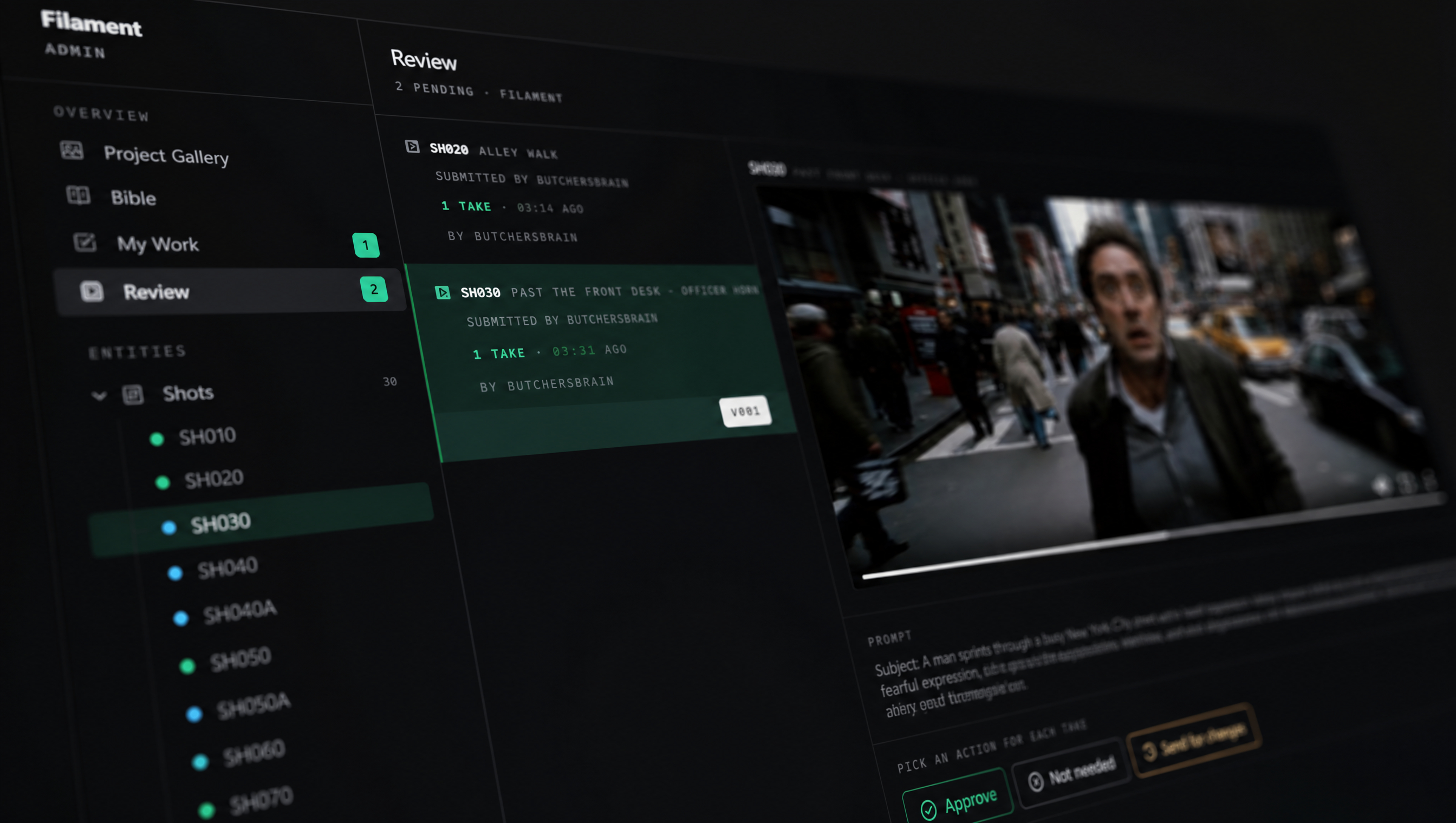
Approve the takes that work.
Send the rest back.
Submit a take, request changes, approve the right version — per take, with notes.
Mixed verdicts are fine: one approved, two sent for revision, the artist iterates without losing the good one.
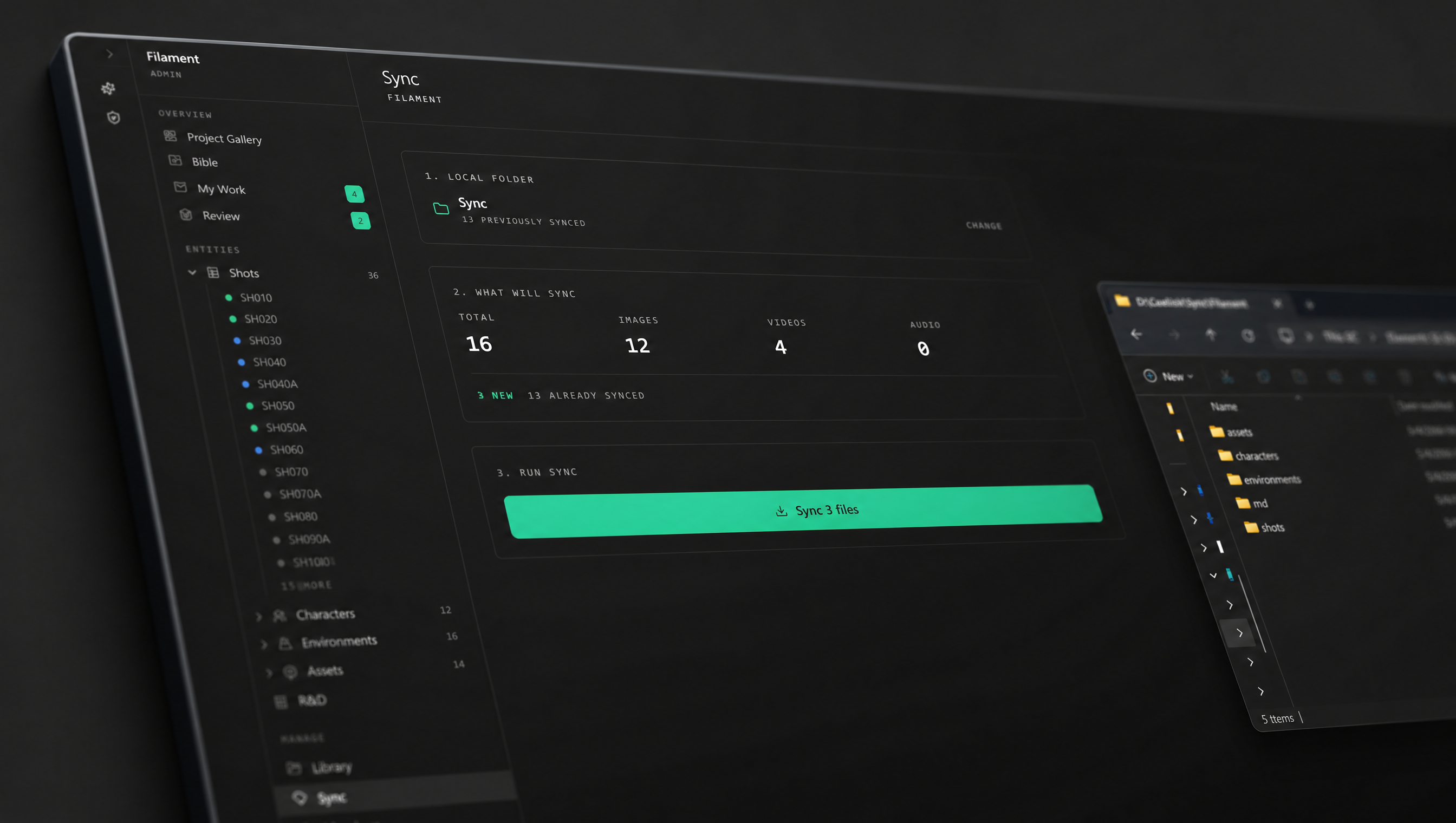
Your files live
on your machine.
Sync drops every approved asset into a structured folder on your local drive.
Cuelist isn't a black box — it's the part of your pipeline that talks to the rest of it.
Filmmakers,
visionaries,
creatives.
The people carrying a vision through the chaos of getting something made. The ones who care how it ships.
Cuelist is built for you.